




Organizing and Deleting
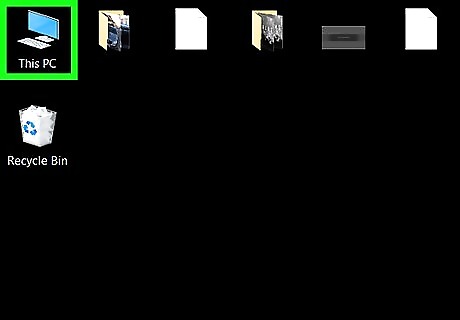
Look at every file you have. You should probably make a single folder to hold all the items. Go through the default folders (e.g. if you have Windows check "My Documents") and move all the items there.

Create a folder for important items, so you won't accidentally delete them.And keep them on other partition, other than the partition in which OS resides(In Windows). Examples of important items include: credit card information, tax information, etc.
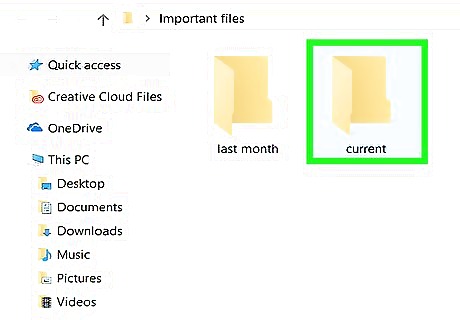
Separate the remaining files into folders based on when you last looked at them. Example folder names: 1 month ago, 2 months ago, etc.
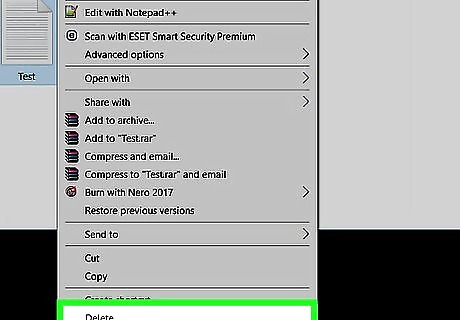
Delete files you haven't used in a long time. Just delete them all. You won't need them. Your computer will thank you.
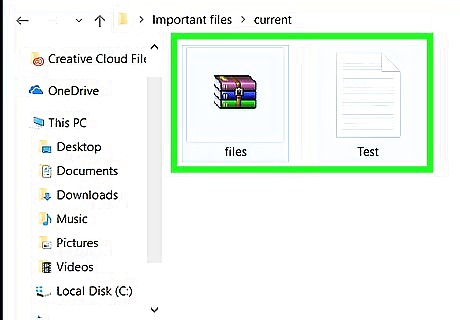
Alternate Methods AKA ways to not delete items you don't want to part with:
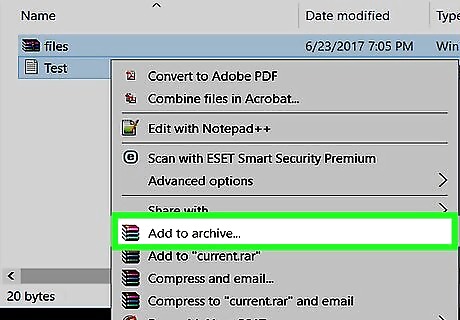
Package files you don't use often into RAR archives. This will compress your old files to a smaller size.
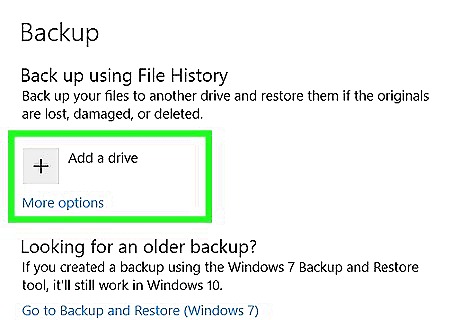
Take backup of data on regular basis on external storage devices.
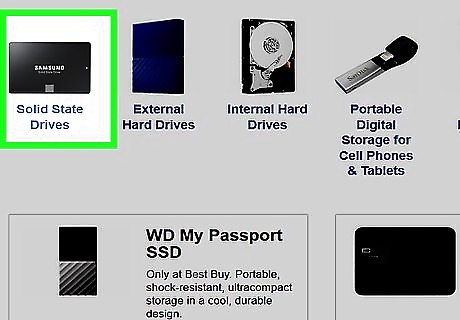
Spend some money and buy a new hard drive.
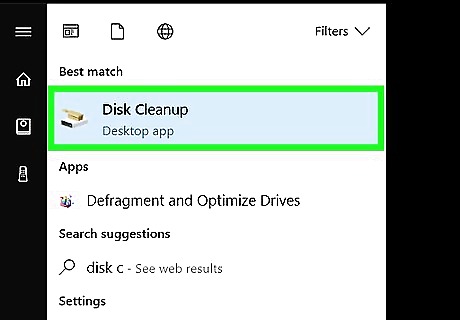
In the future, clearly name files and don't give them abbreviated names which you may forget the meaning of. You can make a folder of things that you will need for a little while, and delete things from here when you "spring clean".
Deleting Favorites
Go on favorites.
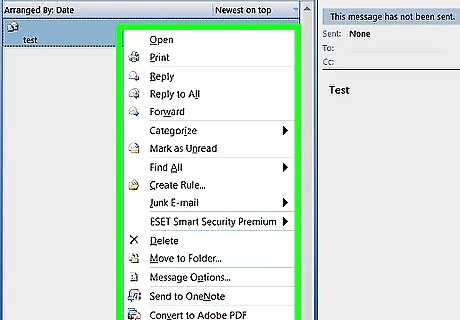
Right click on a file.
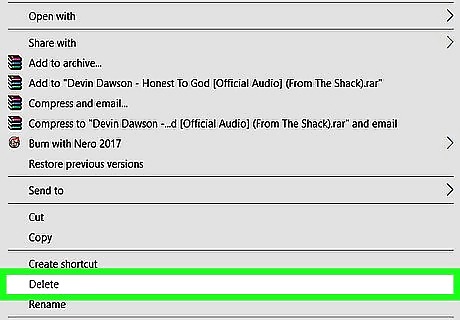
Click delete.
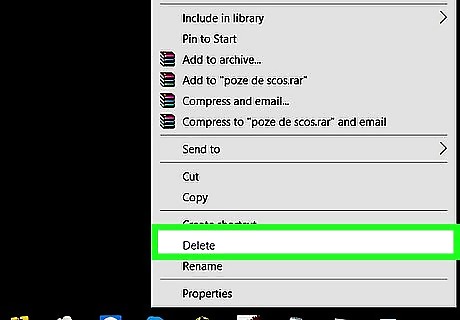
Repeat until you deleted all the useless files.






Comments
0 comment